
Create Retina Screenshots
 You can create Retina screenshots of any website. Change the device_factor (Browser resolution in the dashboard) to 2 for Retina displays. For website that support these higher image resolution, you will get a crisper image.
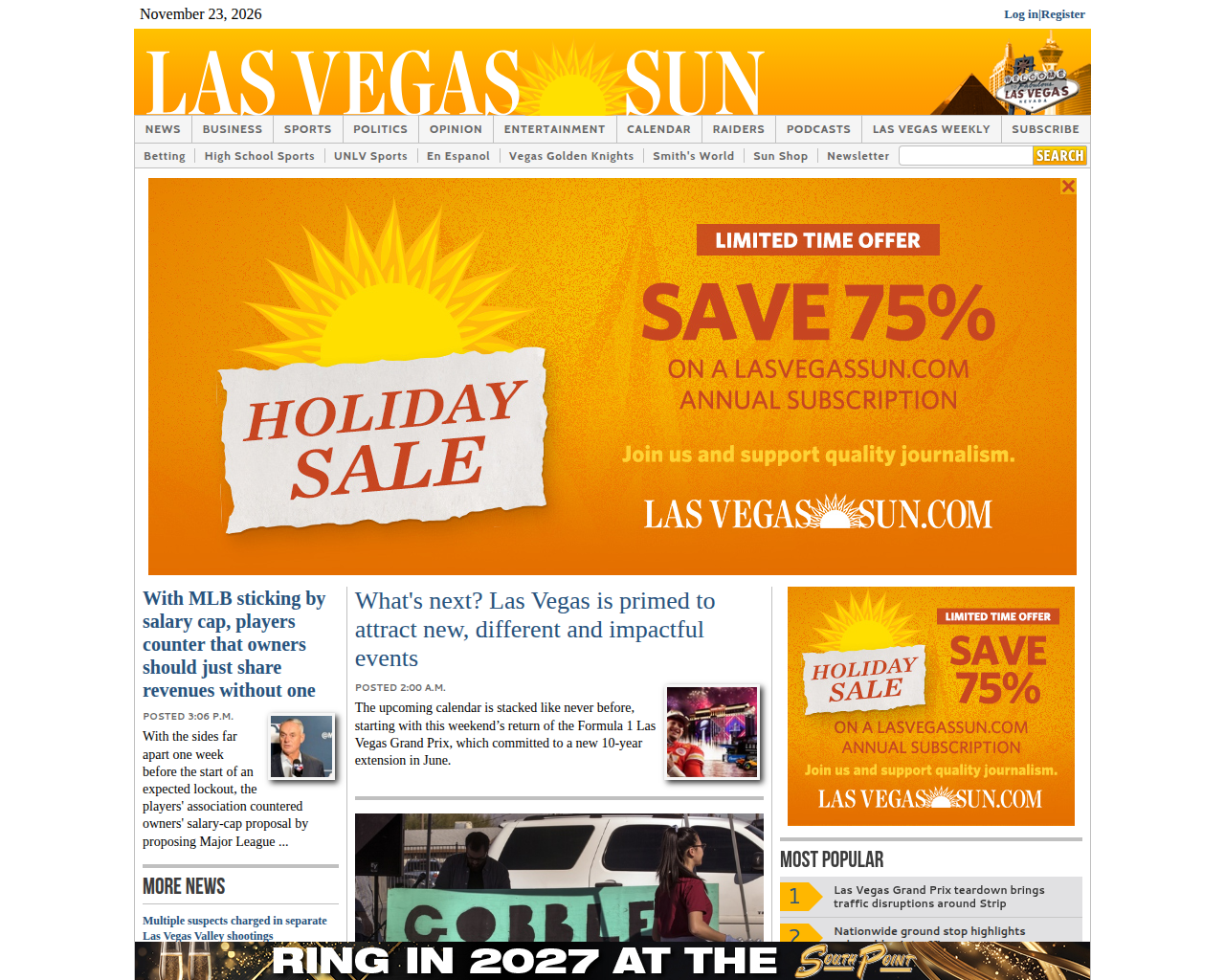
Here is an example of a website that supports Retina display. Both screenshots were taken at a resolution of 1280x1024. The fist one is a standard resolution screenshot, while the second one is a Retina screenshot with a device factor of 2.
Regular resolution
Retina resolution
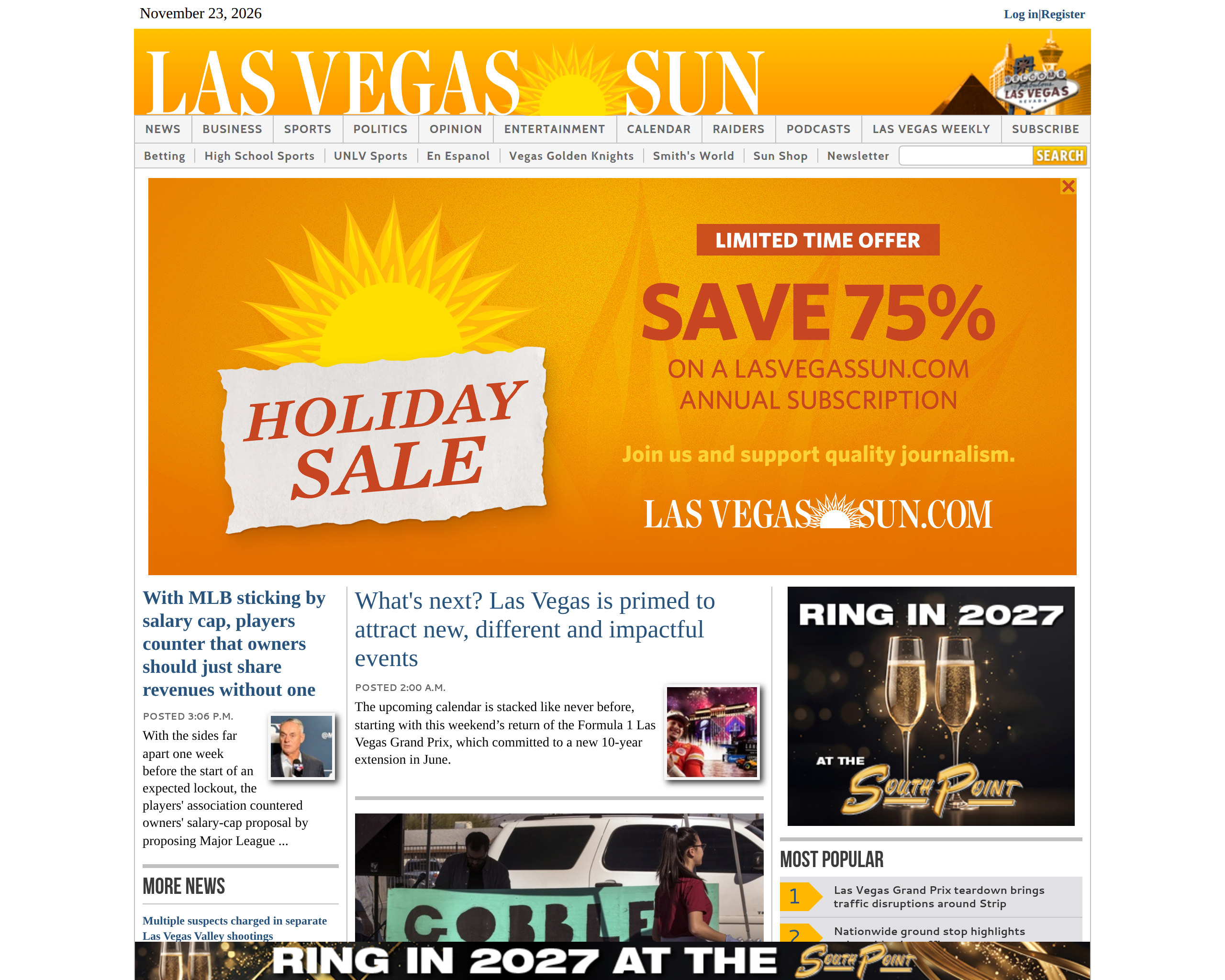
To create a Retina screenshot using the API, set the device_factor parameter to 2 when making the request. This will instruct the service to generate a high-resolution image suitable for Retina displays.
For example, in a JSON request body, you would include:
{
    "url": "https://example.com",
    "device_factor": 2
  }
This will ensure that the screenshot generated is optimized for Retina displays, providing a sharper and more detailed image compared to standard resolution screenshots.
Keep in mind that using a higher device factor may result in larger image files. Additionally, not all websites may fully support Retina resolutions, so the visual improvement may vary depending on the site's design and assets.